


These days, it feels like a gaming mouse will land on your lap if you just kick a tree. Some of these are workable, others are just your average $5 mouse sold for $50 because they tacked some RGB lighting on it.
The Corsair M75 wireless gaming mouse tries to navigate that saturated market by offering a mid-range option that is everything a mouse should be, with no added frills.
Like most Corsair peripherals, this mouse stands out in build and sensor quality, but there are some nuances about the pricing that are hard to ignore in this economy.
The Little Mouse That Could
With an MSRP of $79.99, the Corsair M75 wireless mouse comes in an unassuming but well-decorated cardboard box. The contents are your standard wireless peripheral kit: the mouse, a braided USB cable, and a USB wireless receiver. The only extra pieces are a set of side buttons, should you want to reconfigure them.
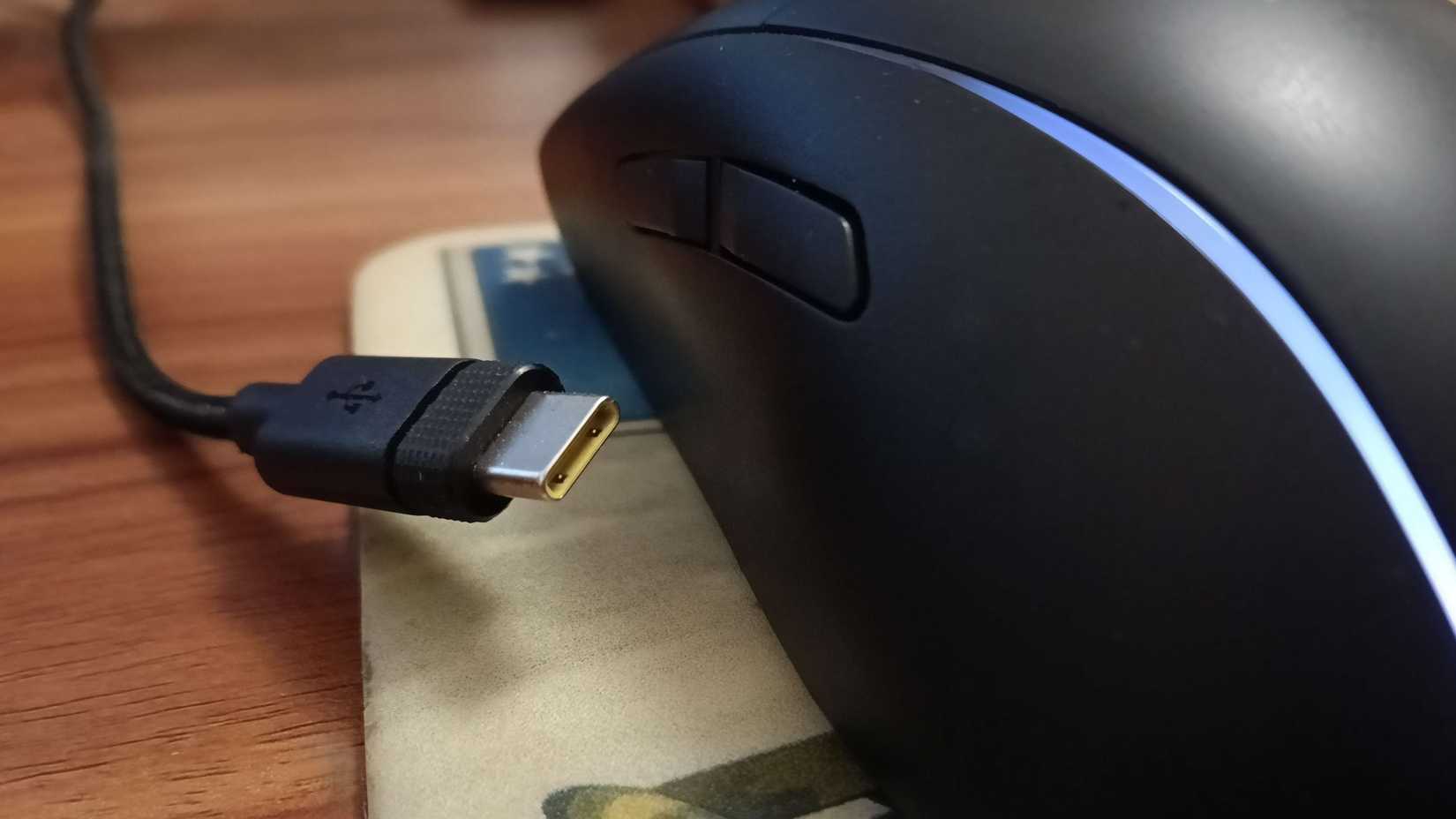
I ended up testing this in tandem with the K65 Plus keyboard, and a nice little touch I found is that the cables and dongles for each product are easily identifiable. The inner part of the connectors for the keyboard is painted black, while the mouse ones are yellow. Hardly necessary, helpful when pretending to do cable management.
Corsair endlessly hammers the fact that this is a ‘lightweight’ mouse in the marketing materials for the M75, and it is impeccable in that regard. The mouse feels as light as a feather, and the official specs sheet lists it at a mere 24 grams.
There wasn’t much magic involved in setting up the Corsair M75: I plugged in the USB dongle, hit the mode button on the underside of the mouse, and that was it.
Taking the M75 Mouse into Battle
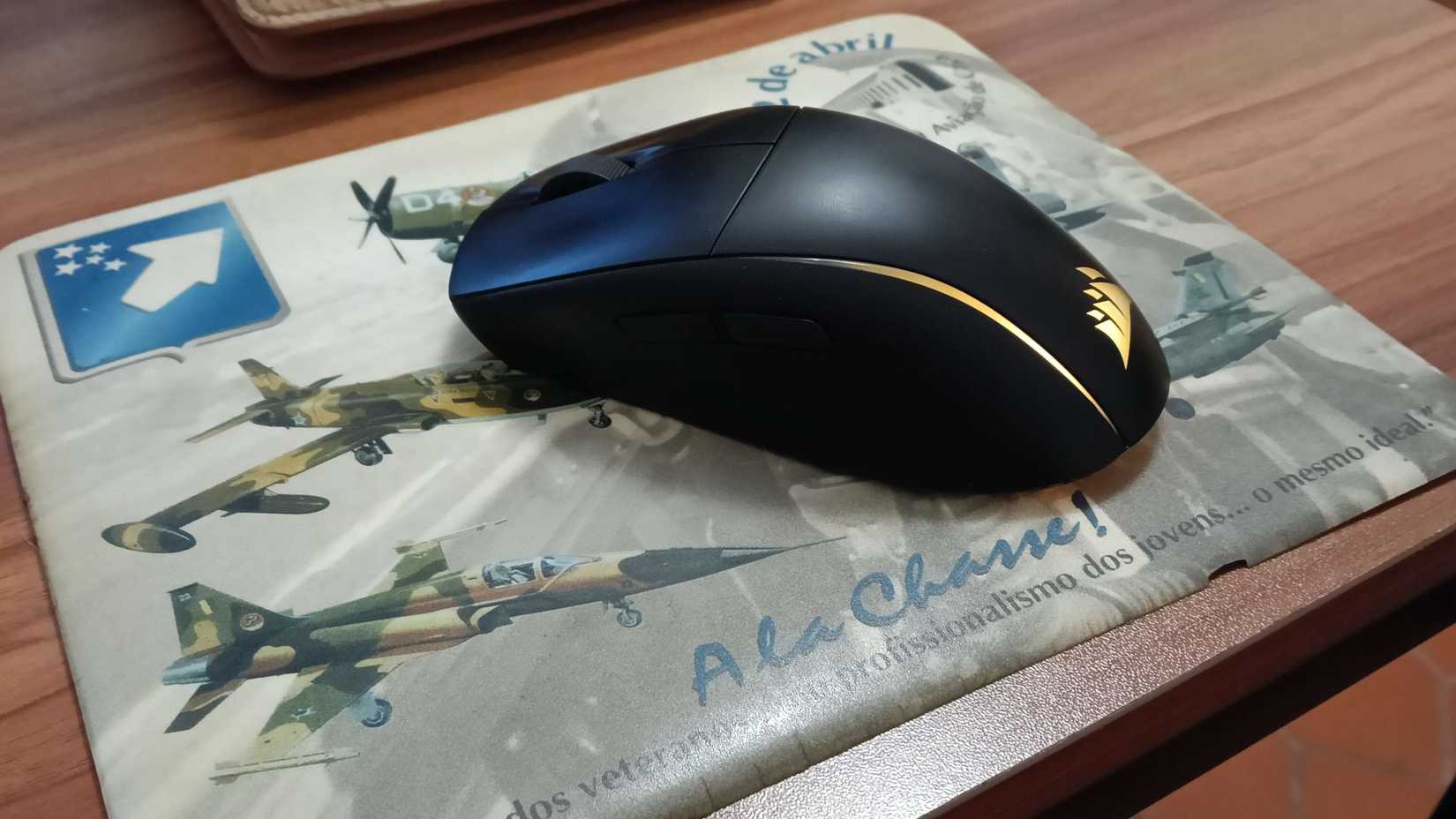
One of my concerns about the M75’s aggressively light profile is that it would be hard to find a sensitivity sweet spot, coming from a bulkier wired mouse, but the pads on the bottom of the device give it plenty of grip on my ancient mousepad.
As someone who lives with a dog that sheds an unholy amount of fur, it was nice to see that the crevices in the M75 mouse are not prone to accumulating hair, dust, or debris. The pads and sensor are also mostly immune to the canine menace, and the little that would get stuck there was easy to remove with fingers.
Related
Corsair VANGUARD PRO 96 Hall Effect Gaming Keyboard Review
A winning choice for your new forever keyboard.
The ambidextrous design of the M75 and the ease of swapping side buttons make this nice for left-hand users, and activating it simply requires holding a key combo on the mouse for a few seconds.
The mouse feels as light as a feather […]
Its sleep shape is rather comfortable to grip from different angles and table heights, and prolonged use never proved an issue during my test.
The battery life, in Corsair tradition, is a little bit ridiculous. After a month of work and play, I’ve had to give it a charge exactly once. While I cannot comment on whether the battery performance holds up after, say, a year of use, the early impression is very encouraging.
An Almost Great Mouse
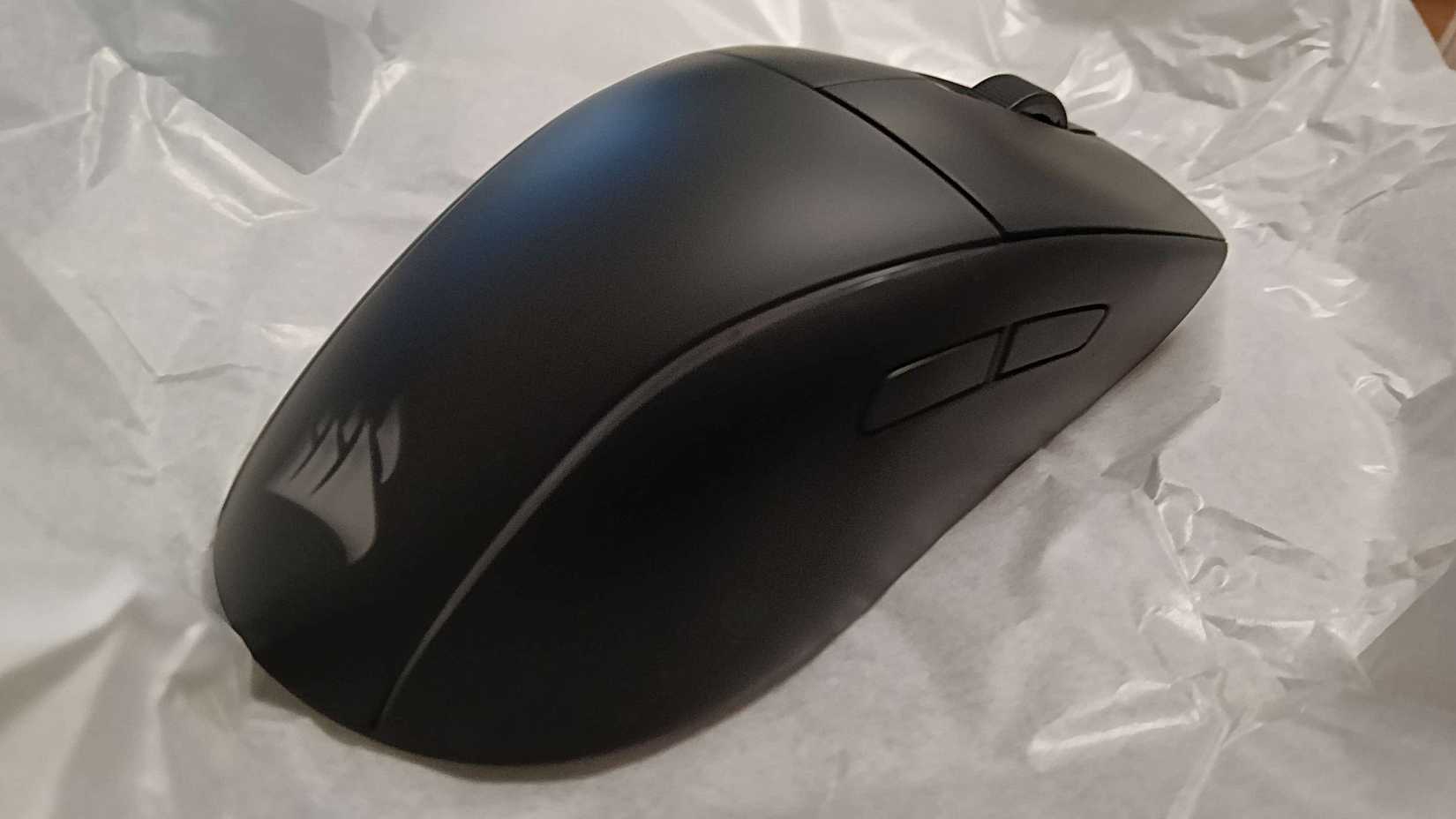
While being compact and light is great for portability, I wish the M75 were ever so slightly taller. If you have long fingers, you’ll often find your ring and little fingers dragging if you rest your index and middle fingers fully on the two main buttons.
The short profile also affects the usefulness of the side buttons, which are bordering on useless on the far side of the mouse. There is no comfortable way to work the two buttons there, and one might assume that is why Corsair left them inactive by default.
[…] the pads on the bottom of the device give it plenty of grip […]
Without tinkering with ICUE software settings, the two buttons on the far side work exclusively for working mouse settings, like fine-tuning the DPI when the bottom button is pressed, or to switch to left-handed mode, for example.
You can change this by going into the device settings and activating the All-Side Buttons toggle. It won’t help much with the ergonomics, but I suppose there is comfort in knowing you will never ever press those buttons accidentally since your fingers are nowhere near them.
For the standard price point of $79.99, the shortcomings of the Corsair M75 wireless gaming mouse, although not critical, are enough to justify searching for alternatives in the market. However, given how often it drops to as low as $49.99, you can get plenty of value out of it if you are patient.
Score: 7/10
The Corsair M75 wireless gaming mouse is light, compact, and very well-built. It follows the brand’s ethos for similar price ranges, where you get exactly what you need, without many add-ons or frills. However, while being light and small is great for portability, the size can be fairly bothersome, and the far-side buttons are virtually useless even when active. This is a good mouse for what it is, but that does not make it worth the relatively steep full listing price.

Next
PowerA Switch 2 Advantage Wireless Controller Review
Swap your Joy-Cons for something more comfy.


